PNGTuber Studio - Beta
A downloadable Studio for Windows and macOS
Create PNGTuber videos using your avatar and pre-recorded audio!
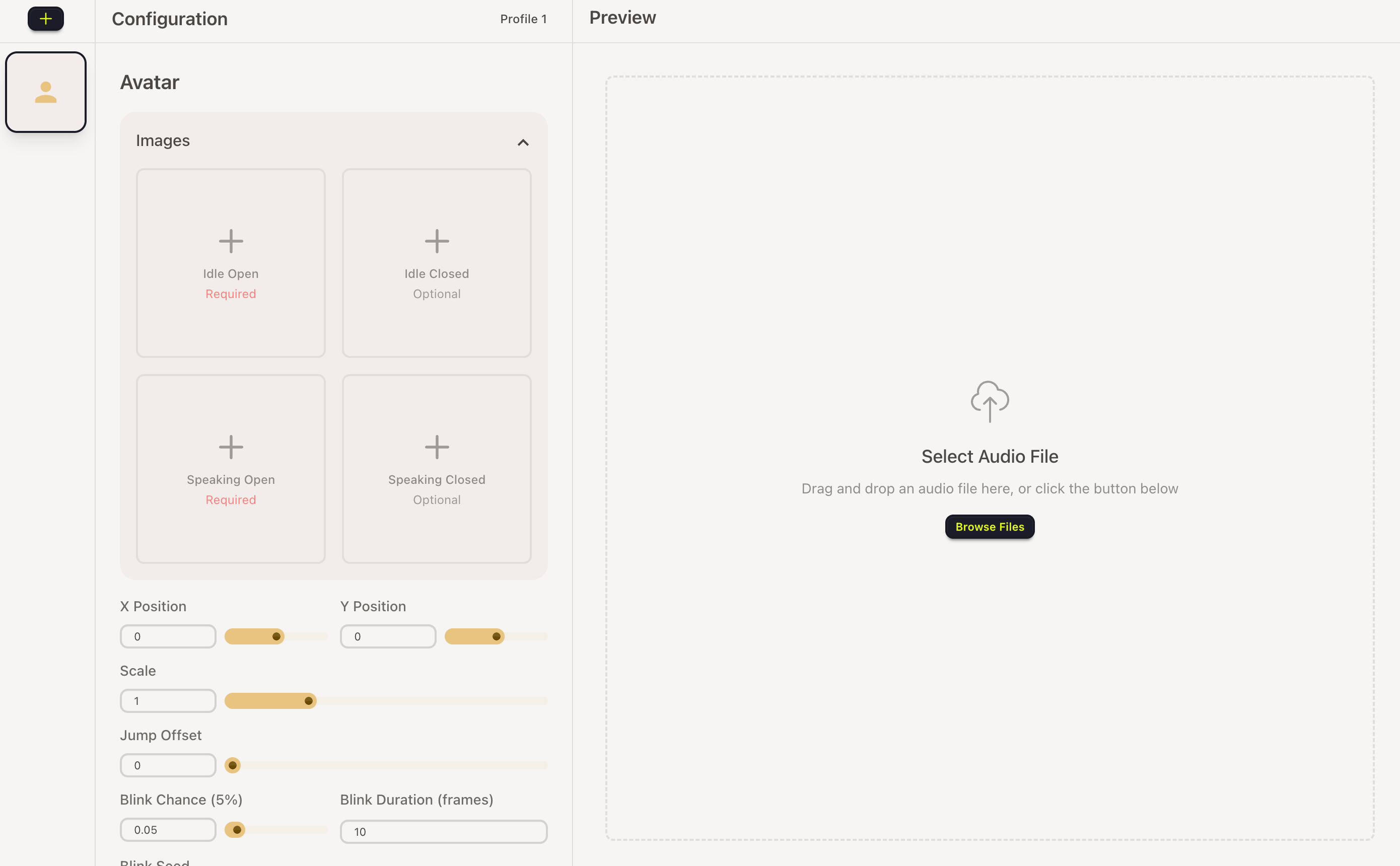
Step 1: Load your avatar images
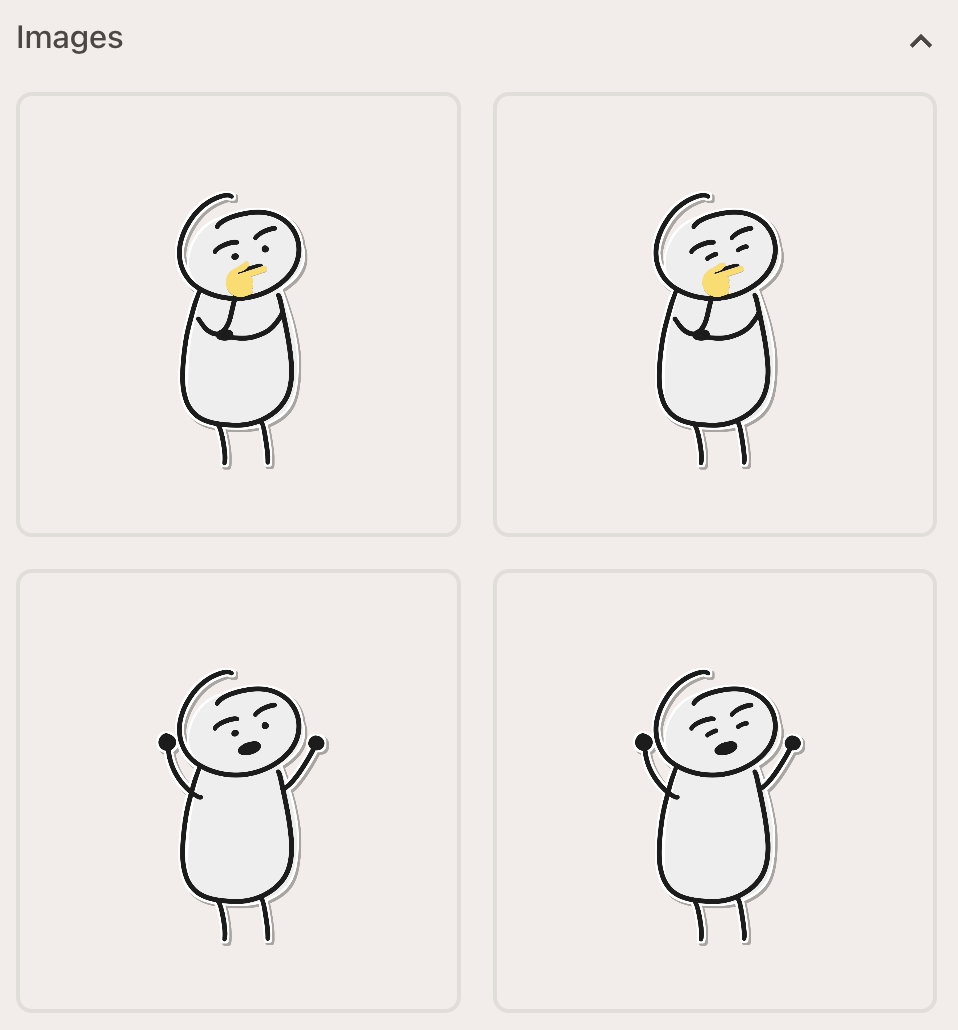
You can load up to four avatar images:
- Idle (regular)
- Idle (blinking)
- Talking (regular)
- Talking (blinking)
Step 2: Load your audio files
Select any audio file you want to use for your video.
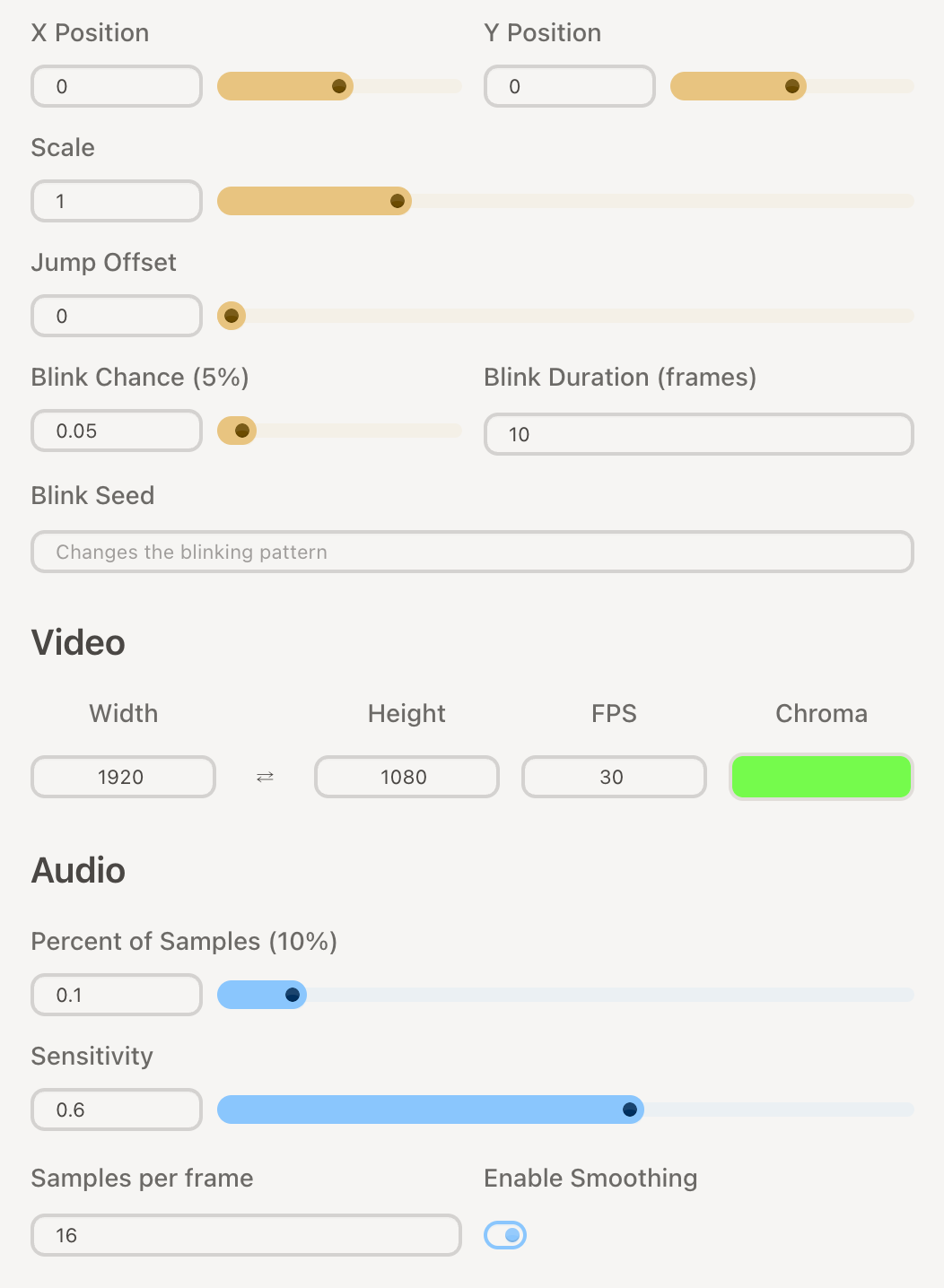
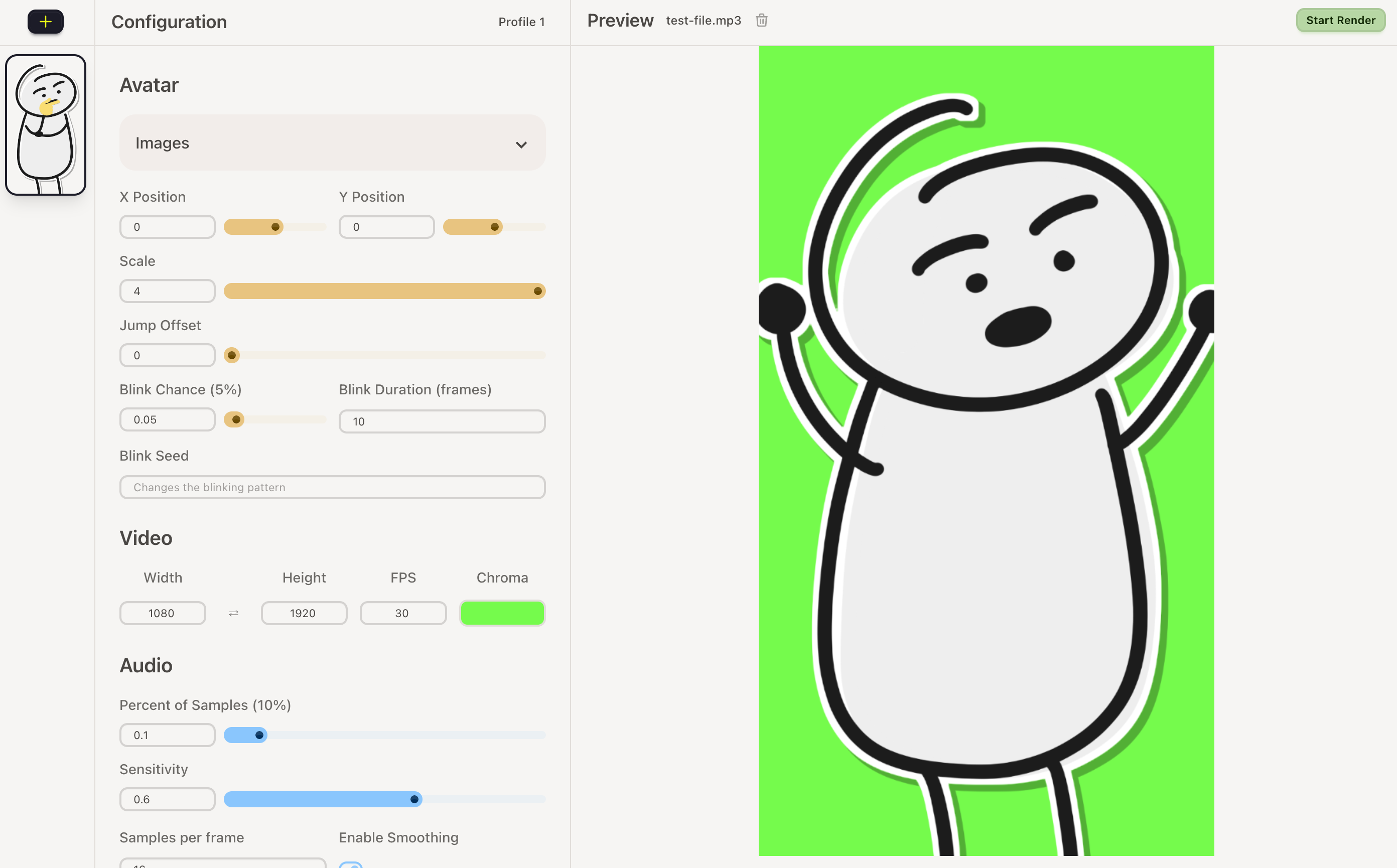
Step 3: Play with the parameters
You can play with the parameters until you get the desired result.
Avatar
- Position
- Scale
- Jump Animation
- Blink Animation
Video
- Width
- Height
- FPS
- Background Color
Audio
- Volume Threshold
- Sensitivity
Technical details
The app works with your computer hardware to render the videos. No extra resources should be needed.
The rendering speed will depend on your setup.
If you are on a Mac with M CPU, please download the file that says arm64. For Mac with Intel CPUs you should download the version without that legend.
Troubleshooting
Since the apps are not signed (technical term for: too poor to pay a license to publish them on an official store) a warning message will pop up on your OS saying something like: "This file is damaged or dangerous" you can ignore them. The app is safe to use.
Here is a Mac guide and here is a Windows guide on how to open the app anyway.
Download
Click download now to get access to the following files:
Leave a comment
Log in with itch.io to leave a comment.